
Creating accessible games starts with incorporating flexible controls, such as remappable buttons and alternative input options, so players can customize gameplay to their abilities. Adding colorblind modes and visual cues guarantees everyone can interpret game information clearly. Designing with accessibility in mind shows you value all players and improves overall enjoyment. By embracing these proven principles from the start, you’ll foster inclusivity and engagement — and there’s much more to discover as you continue exploring these essential design strategies.
Key Takeaways
- Integrate adaptive controls and customizable options early in development to accommodate diverse physical abilities.
- Implement colorblind modes and visual cues to ensure critical information is accessible to all players.
- Prioritize user feedback from diverse audiences to refine and improve accessibility features effectively.
- Design with flexibility, allowing players to adjust settings like UI, controls, and visual elements for personal comfort.
- Embed accessibility as a core principle to foster inclusivity, enhance user experience, and broaden game reach.
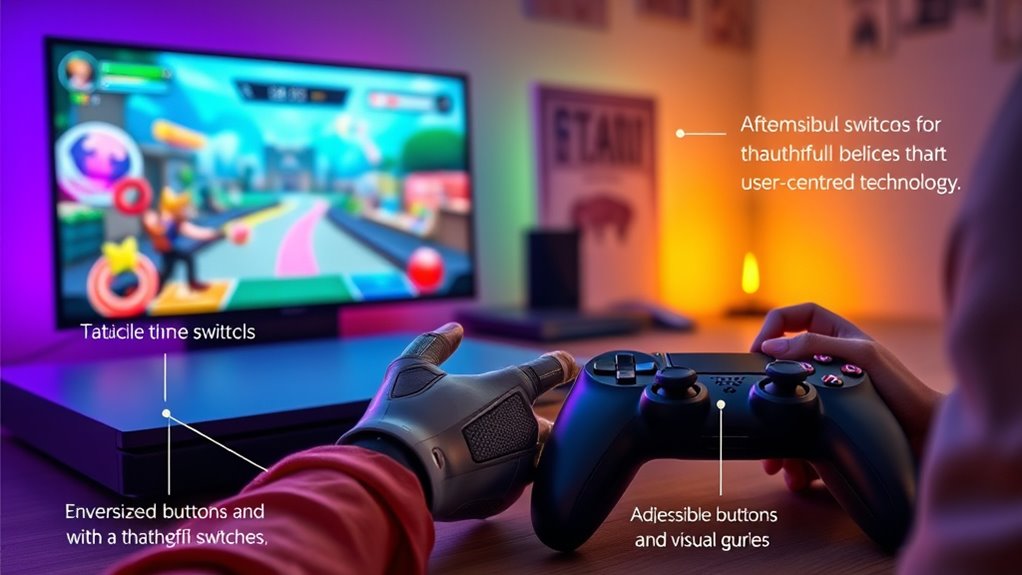
Accessibility in games is vital for creating an inclusive gaming environment that everyone can enjoy. When designing games with accessibility in mind, you guarantee that players of all abilities can participate fully and have a satisfying experience. One of the most effective ways to do this is by implementing adaptive controls. These controls allow players to customize how they interact with the game, catering to different physical abilities and preferences. Whether you need larger buttons, alternative input methods, or remappable controls, adaptive controls give players the flexibility to set up their gameplay experience in a way that feels natural and comfortable. This not only broadens your game’s reach but also demonstrates a commitment to inclusivity.
Implement adaptive controls to create an inclusive, customizable gaming experience for all players.
Another essential aspect is the integration of colorblind modes. Colors are often used to convey important information in games — such as health status, objectives, or hazards — but not everyone perceives color in the same way. By offering colorblind modes, you help guarantee that players who are colorblind or have other visual impairments can still interpret game visuals accurately. These modes typically adjust color schemes to make key elements more distinguishable, often by adding patterns, labels, or alternative visual cues. Incorporating colorblind modes doesn’t just improve accessibility; it enhances clarity for all players, especially in fast-paced or visually complex scenes.
Designing with adaptive controls and colorblind modes in mind also demonstrates a thoughtful approach to user experience. It shows that you value all players’ needs and have taken steps to reduce barriers. When players see options for customizable controls or visual adjustments, they feel empowered and respected. This can lead to increased engagement, longer play sessions, and more positive perceptions of your game. Plus, these features often require minimal additional effort if integrated early in the development process, making them cost-effective choices that pay off.
Furthermore, accessibility isn’t just about adding options; it’s about creating a flexible design philosophy. As you develop your game, think about how different players might experience it and seek feedback from diverse audiences. Incorporate accessible features like adaptive controls and colorblind modes from the start, rather than as afterthoughts. Doing so helps you craft a game that’s welcoming to everyone, ensuring that no one is left behind because of physical, visual, or cognitive barriers. Additionally, considering projector technology and display options during development can enhance visual accessibility for various viewing environments. Ultimately, accessibility enriches your game’s community and broadens its appeal, making your creation truly inclusive and enjoyable for all.

Logitech G Adaptive Gaming Kit For Access Controller, High Performance Customizable Controls Designed for Sony Access Controller for PS5, 8 Buttons & Triggers
Customizable Controls for Sony Access Controller for PS5: High performance, durable buttons and triggers for the Sony Access…
As an affiliate, we earn on qualifying purchases.
As an affiliate, we earn on qualifying purchases.
Frequently Asked Questions
How Do Accessibility Features Impact Game Performance?
Accessibility features can enhance your game performance by providing better visual clarity and audio cues, helping you stay focused and responsive. When these features are well-implemented, they reduce distractions and allow you to quickly interpret essential information. This means you can react faster and make more accurate decisions, ultimately improving your overall gameplay experience. Proper accessibility options ensure you’re not held back by sensory or physical limitations, enabling you to perform at your best.
Can Accessibility Options Be Customized for Individual Players?
Yes, accessibility options can be customized for individual players. You can use personalization options to tailor settings like font size, color contrast, and control schemes, ensuring a comfortable experience. Adaptive difficulty can also be adjusted to match your skill level, making the game more engaging without becoming frustrating. These features allow you to create a gameplay environment that suits your needs, enhancing enjoyment and inclusivity.
Are There Specific Tools to Test Accessibility in Games?
Yes, there are specific tools to test accessibility in games. You can use assistive technologies like screen readers and voice commands to evaluate how well your game supports players with disabilities. Additionally, accessibility guidelines provide benchmarks to guarantee your game meets industry standards. These tools help identify issues early, allowing you to make necessary adjustments to create a more inclusive gaming experience for everyone.
How Do Accessibility Features Affect Game Development Costs?
Integrating accessibility features may initially increase your game development costs, but a thorough cost-benefit analysis shows they often save money long-term by reducing updates and fixes. Developer training is essential to implement these features effectively, ensuring smoother integration. While upfront expenses grow, the benefits—wider audience reach and better player satisfaction—generally outweigh costs, making accessibility a smart investment for sustainable game development.
What Are the Best Practices for Inclusive Multiplayer Design?
You should implement inclusive multiplayer design by offering adaptive controls so players with different needs can participate fully. Adding color blind modes guarantees everyone can distinguish game elements easily. Clearly communicate options and allow customization for accessibility settings. Test with diverse players to identify barriers and gather feedback. Prioritizing these practices creates a welcoming environment, making your game more enjoyable and accessible for all players.
colorblind mode gaming accessories
As an affiliate, we earn on qualifying purchases.
As an affiliate, we earn on qualifying purchases.
Conclusion
By embracing these design principles, you open the door to a vibrant world where everyone can explore, play, and connect. Imagine your game as a welcoming bridge, guiding players across diverse landscapes of ability and experience. With every thoughtful feature, you craft an inviting space where barriers fade into the background, and the joy of discovery takes center stage. Together, you create a game that resonates, empowering every player to step in and thrive.

8BitDo Ultimate 2C Wireless Controller for Windows PC and Android, with 1000 Hz Polling Rate, Hall Effect Joysticks and Triggers, and Remappable L4/R4 Bumpers (Green)
Compatible with Windows and Android.
As an affiliate, we earn on qualifying purchases.
As an affiliate, we earn on qualifying purchases.

Razer Tartarus V2 Gaming Keypad: Mecha Membrane Key Switches – One Handed Keyboard – 32 Programmable Keys – Customizable Chroma RGB Lighting – Programmable Macros – Snap Tap – Black
HIGH-PERFORMANCE MECHA-MEMBRANE SWITCHES — Provides the tactile feedback of mechanical key press on a comfortable, soft-cushioned, membrane, rubber…
As an affiliate, we earn on qualifying purchases.
As an affiliate, we earn on qualifying purchases.