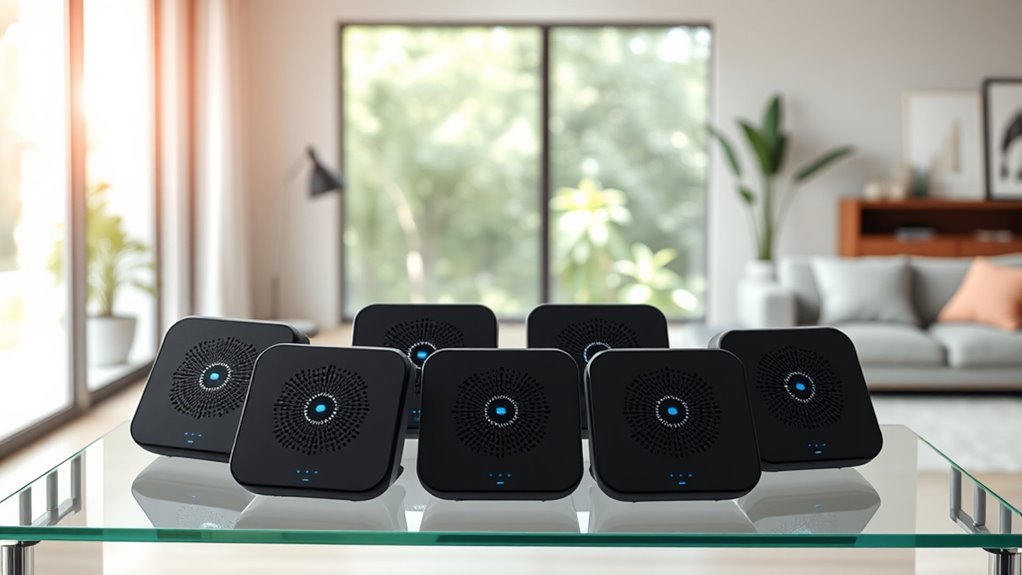

If you’re looking for the best mesh Wi-Fi systems for seamless coverage in 2025, I recommend options like the TP-Link Deco S4, Amazon eero 6, and NETGEAR Orbi 770, which support large homes, multiple devices, and fast Wi-Fi standards like Wi-Fi 6 and 7. These systems are easy to set up and include smart features like security and smart home integration. Stick around; you’ll find even more excellent choices to fit your needs.
Key Takeaways
- Top mesh Wi-Fi systems in 2025 include models with Wi-Fi 6, Wi-Fi 6E, and Wi-Fi 7 for faster, more reliable connections.
- Coverage ranges from 4,500 to over 8,000 sq ft, suitable for small apartments to large homes.
- Features like easy setup, app management, security, and smart home integration enhance user experience.
- Many systems support multiple devices and advanced protocols like Zigbee, Thread, and Bluetooth LE.
- Price varies from budget-friendly options to premium models with cutting-edge technology and extended coverage.
TP-Link Deco S4 Mesh WiFi System (3-Pack)
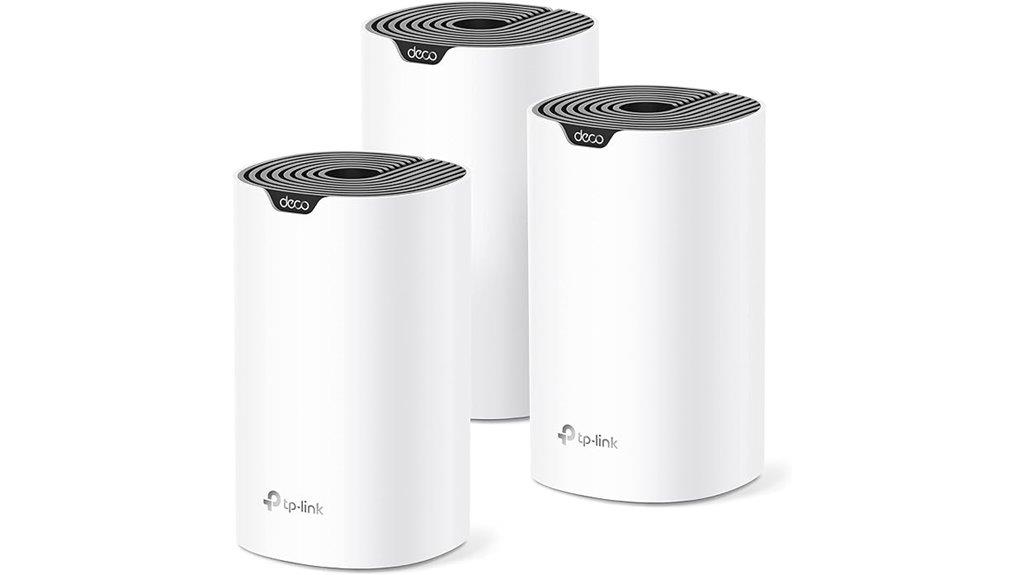
If you’re looking for a reliable, high-performance mesh Wi-Fi system that covers large homes effortlessly, the TP-Link Deco S4 3-Pack is an excellent choice. It offers seamless coverage of up to 5,500 square feet with three units working together through Deco Mesh technology. Each unit supports dual-band WiFi and speeds up to AC1900, capable of connecting over 100 devices simultaneously. Setup is simple with the Deco app, and the system provides strong, stable signals across multiple floors and outdoor areas. With features like wired Ethernet backhaul and Alexa voice control, it’s a versatile solution for streaming, working, and smart home connectivity.
Best For: households seeking reliable, high-speed, whole-home WiFi coverage with easy setup and smart home integration.
Pros:
- Seamless coverage up to 5,500 sq ft with three units working together through Deco Mesh technology
- Supports over 100 devices with dual-band AC1900 speeds for smooth streaming and remote work
- Easy setup via the Deco app with features like guest WiFi, parental controls, and Alexa voice control
Cons:
- Firmware updates may require manual installation via web UI due to app update failures
- Limited advanced network management features and detailed insights in the app
- Slightly larger units may be less discreet for certain home aesthetics
Amazon eero 6 Mesh WiFi System (3-Pack)
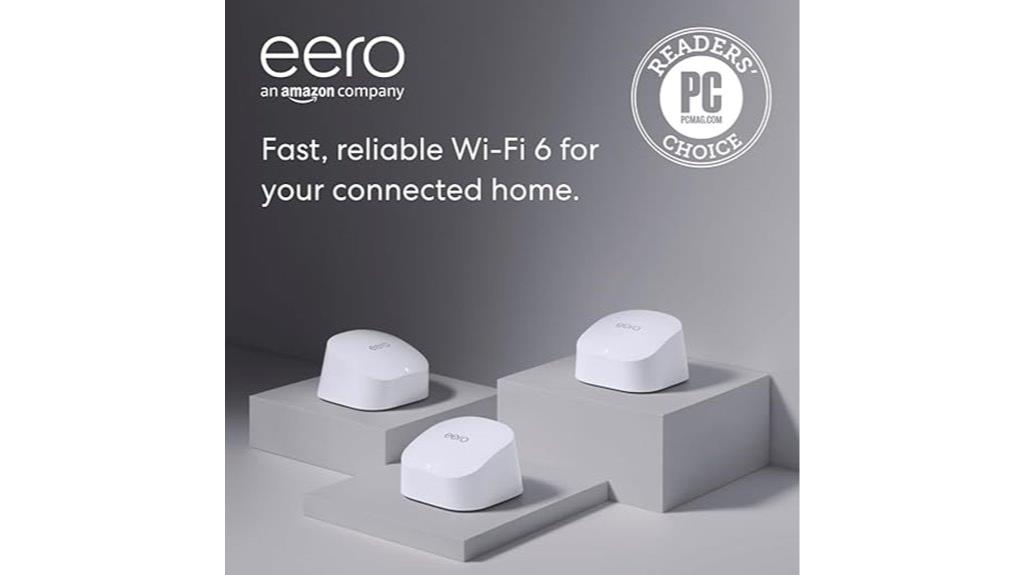
The Amazon eero 6 Mesh WiFi System (3-Pack) is an excellent choice for large households that need reliable, whole-home coverage without sacrificing speed or ease of setup. Supporting internet plans up to 500 Mbps, it covers 4,500–5,000 sq ft with one router and two extenders. It offers Wi-Fi 6 dual-band connectivity, compatible with older standards, ensuring smooth streaming, gaming, and video calls across multiple floors. Setup is simple through the eero app, and the system is easy to expand. With reliable speeds, over 75 connected devices, and features like Zigbee and parental controls, it’s a top option for busy, tech-heavy homes.
Best For: large households seeking reliable, high-speed whole-home Wi-Fi coverage with easy setup and expandability.
Pros:
- Supports internet plans up to 500 Mbps with extensive coverage of up to 5,000 sq ft in a 3-pack configuration
- Easy to set up and manage via the user-friendly eero app, with seamless expansion options
- Compatible with numerous smart devices and features like Zigbee, parental controls, and Wi-Fi 6 performance
Cons:
- Limited advanced features without subscriptions, and some functionalities are currently non-functional
- Lacks traditional router features such as detailed URL history or local user management
- Support can require troubleshooting, especially with certain ISP setups like fiber connections
Amazon eero 6+ Mesh WiFi System (3-Pack)
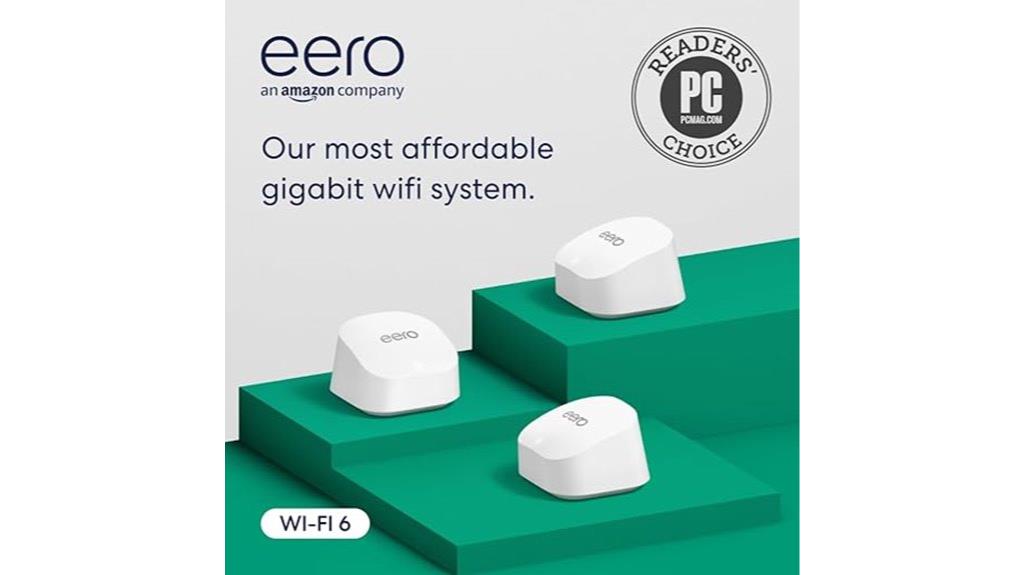
For anyone seeking seamless, high-speed Wi-Fi coverage across a large home or outdoor space, the Amazon eero 6+ Mesh WiFi System (3-Pack) stands out as an excellent choice. It supports internet plans up to 1 Gbps and covers up to 4,500 square feet with three units. Featuring Wi-Fi 6 and speeds up to AX3000, it handles over 75 devices simultaneously, ensuring reliable performance. Built-in Zigbee and Thread hubs simplify smart home integration, while Ethernet ports allow wired connections. Using TrueMesh technology, it intelligently manages traffic, reducing dead zones. Easy to set up via the app, it offers robust security and reliable coverage for large, demanding environments.
Best For: households or outdoor spaces requiring high-speed, reliable Wi-Fi coverage across large areas with multiple devices and smart home integration.
Pros:
- Supports internet plans up to 1 Gbps and covers up to 4,500 sq ft with a 3-pack setup.
- Wi-Fi 6 speeds up to AX3000 and compatibility with over 75 devices ensure fast and reliable connectivity.
- Built-in Zigbee and Thread hubs simplify smart home device integration and reduce the need for additional hubs.
Cons:
- Higher initial cost compared to traditional routers.
- Limited Ethernet ports per node may restrict wired device connections.
- Reliance on internet connectivity means local device communication can be affected if the ISP experiences outages.
TP-Link Deco BE25 Dual-Band WiFi 7 Mesh System (3-Pack)
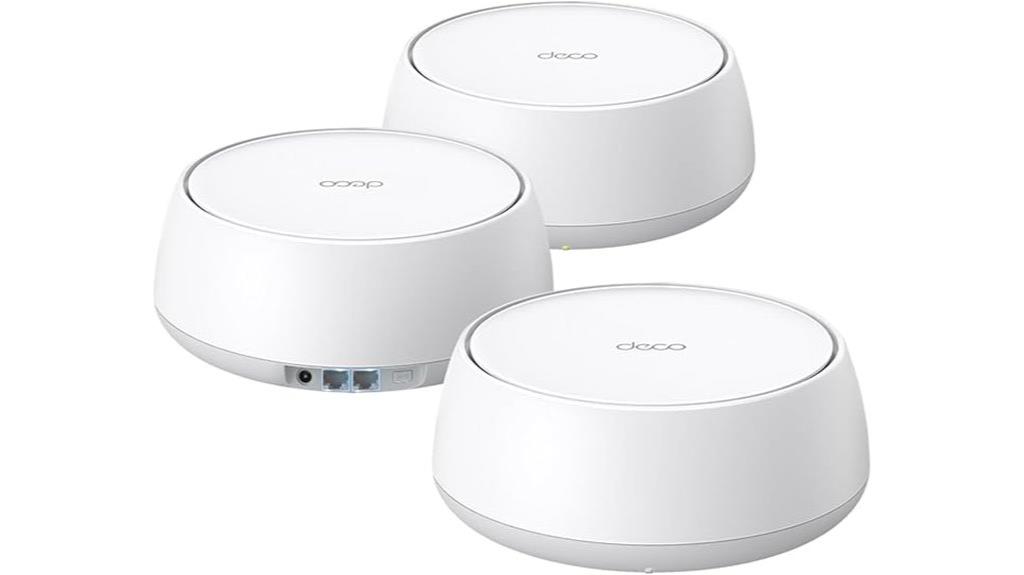
Designed for households demanding high-speed, reliable connectivity, the TP-Link Deco BE25 Dual-Band WiFi 7 Mesh System delivers impressive performance with speeds up to 5 Gbps. It utilizes WiFi 7 technology with 4 streams and features like Multi-Link Operation, 4K-QAM, and Multi-RUs to maximize speed and stability. Covering up to 6,600 sq. ft., it supports over 150 devices without performance drops, thanks to high-gain antennas and dual 2.5 Gbps ports for wired connections. Its AI-driven mesh creates a seamless network with AI Roaming, while advanced security features like TP-Link HomeShield keep your network safe. Perfect for modern, connected homes.
Best For: households seeking ultra-fast, reliable WiFi 7 mesh coverage capable of supporting numerous devices with advanced security and seamless connectivity.
Pros:
- Supports WiFi 7 with up to 5 Gbps speeds and multi-link operation for optimal performance.
- Covers large areas up to 6,600 sq. ft. and supports over 150 devices without slowdown.
- Equipped with high-speed 2.5 Gbps ports and supports wired and wireless backhaul for enhanced stability.
Cons:
- May be more expensive than WiFi 6 or older systems due to advanced features.
- Requires compatible devices to fully utilize WiFi 7 capabilities.
- Setup and management might be complex for users unfamiliar with mesh networking technology.
NETGEAR Orbi 370 Series WiFi 7 Mesh System

If you’re looking for a reliable, high-speed mesh system that can handle a busy smart home, the NETGEAR Orbi 370 Series WiFi 7 Mesh System is an excellent choice. It includes a wireless router and two extenders, covering up to 6,000 sq.ft. and supporting 70 devices simultaneously. With speeds up to 5 Gbps, it’s 1.7 times faster than WiFi 6, ensuring smooth streaming, gaming, and video calls. Its sleek design and high-performance antennas provide 360° coverage. Setup is simple through the Orbi app, and the system offers robust security with automatic updates. It’s fully backward compatible, making it a versatile, future-proof option.
Best For: households or smart homes requiring a high-speed, reliable, and scalable WiFi system to support multiple devices and seamless connectivity across large areas.
Pros:
- Delivers ultra-fast speeds up to 5 Gbps, ideal for streaming, gaming, and video calls.
- Covers up to 6,000 sq.ft. with a wireless router and two extenders, ensuring extensive coverage.
- Easy setup and management via the Orbi app, with automatic firmware updates for security.
Cons:
- Slightly heavier and larger than some competing mesh systems, which may impact placement flexibility.
- Premium price point reflecting advanced features, which might be a consideration for budget-conscious buyers.
- Requires compatible internet service providers and may need updates for optimal performance.
TP-Link Deco WiFi 6 Mesh System (Deco X20)
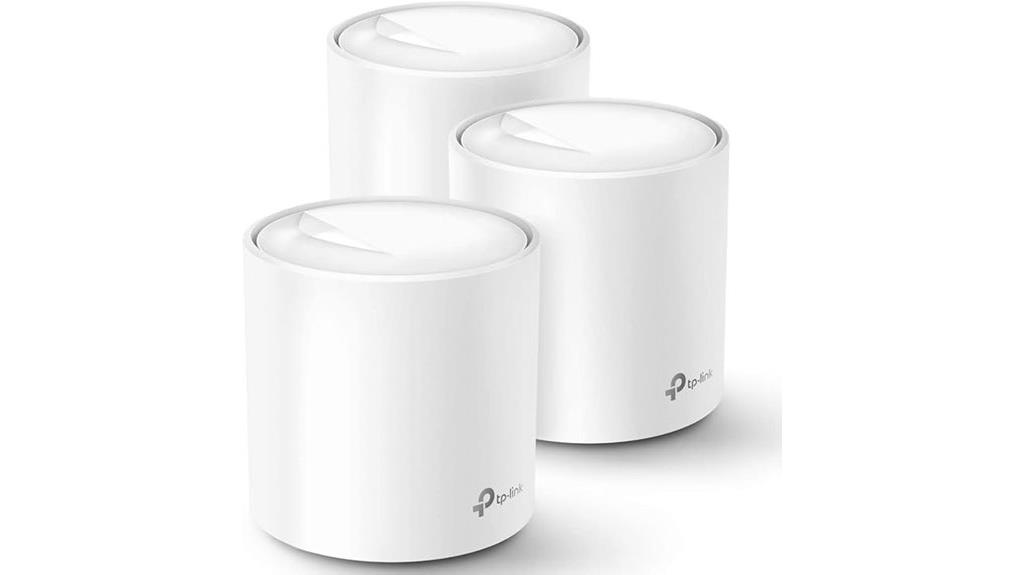
The TP-Link Deco WiFi 6 Mesh System (Deco X20) stands out as an ideal choice for large homes or multi-story buildings that need reliable, high-speed internet coverage. With coverage up to 5800 sq ft using three units, it replaces traditional routers and extenders seamlessly. Equipped with Wi-Fi 6 AX1800 technology, it supports up to 150 devices simultaneously, ensuring fast, stable connections for streaming, gaming, and video calls. The system supports wired Ethernet backhaul and features easy setup through the Deco app. Its advanced features, like Beamforming and BSS Color, enhance signals and coverage, making it a top contender for all-encompassing, high-performance home Wi-Fi.
Best For: households with large, multi-story homes or outdoor spaces needing reliable, high-speed Wi-Fi coverage for multiple devices simultaneously.
Pros:
- Seamless coverage up to 5800 sq ft with 3 units, eliminating dead zones
- Supports Wi-Fi 6 AX1800 technology for fast, stable connections and reduced lag
- Easy setup via the Deco app with user-friendly management and parental controls
Cons:
- May be overkill for small apartments or homes with minimal device needs
- The 3-pack and coverage might be more expensive compared to simpler routers
- Requires app management for setup and ongoing configuration, which may not appeal to all users
TP-Link Deco XE70 Pro AXE4900 Mesh WiFi System (3-Pack)
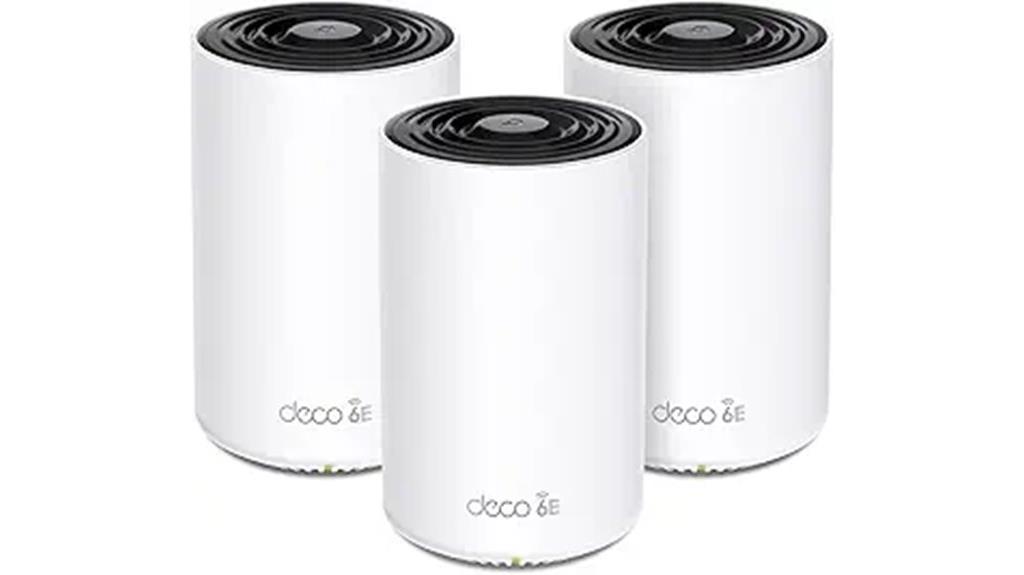
For households seeking lightning-fast and reliable Wi-Fi coverage across large or complex spaces, the TP-Link Deco XE70 Pro AXE4900 Mesh WiFi System (3-Pack) is an excellent choice. It covers up to 7,200 square feet and supports up to 200 devices, thanks to tri-band Wi-Fi 7 technology and a dedicated 6 GHz band for congestion-free streaming and gaming. The system offers speeds up to 4.9 Gbps and features AI-powered mesh with automated backhaul optimization. Easy to set up via the Deco app, it includes advanced security with HomeShield, making it a top-tier, flexible solution for seamless connectivity throughout your entire home.
Best For: households or large spaces needing fast, reliable, and seamless Wi-Fi coverage capable of supporting numerous devices simultaneously.
Pros:
- Provides extensive coverage up to 7,200 sq. ft. and supports up to 200 devices for large or complex homes.
- Offers lightning-fast speeds up to 4.9 Gbps with tri-band Wi-Fi 7 and dedicated 6 GHz band for congestion-free streaming and gaming.
- Easy setup through the Deco app, with advanced security features like HomeShield for comprehensive network protection.
Cons:
- May require bridge mode configuration when used with certain modems like AT&T’s BGW320-500.
- The system’s advanced features and setup may be overwhelming for users unfamiliar with mesh networking.
- Higher cost compared to basic routers, which might be a consideration for budget-conscious users.
Amazon eero Pro 7 Tri-Band Mesh Wi-Fi 7 Router (3-Pack)
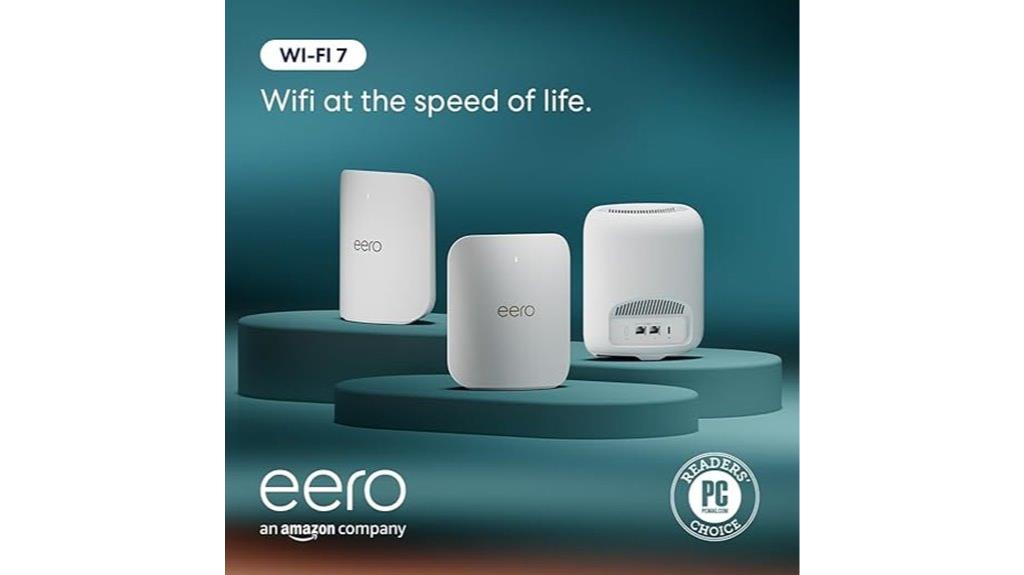
When seeking a reliable, high-speed Wi-Fi solution for a busy home or small business, the Amazon eero Pro 7 Tri-Band Mesh Wi-Fi 7 Router (3-Pack) stands out. It supports internet plans up to 5 Gbps and delivers speeds of up to 3.9 Gbps, ensuring fast, stable connections. The three-pack covers up to 6,000 square feet and supports over 600 devices simultaneously, eliminating dead spots across multiple floors. Built on Wi-Fi 7 technology, it features multi-link operation and auto-sensing 5 GbE ports for pro-level performance. With patented TrueMesh software and seamless compatibility, it guarantees reliable, hyper-connected networks for any busy environment.
Best For: households or small businesses seeking a high-speed, reliable, and extensive Wi-Fi network capable of supporting multiple devices across large areas.
Pros:
- Supports internet plans up to 5 Gbps with speeds up to 3.9 Gbps for fast, stable connections
- Covers up to 6,000 sq. ft. and supports over 600 devices simultaneously, reducing dead spots
- Built on Wi-Fi 7 technology with features like multi-link operation and TrueMesh for seamless connectivity
Cons:
- May be more expensive than basic routers, reflecting its advanced features and coverage
- Requires compatible devices to fully utilize Wi-Fi 7 features and high-speed capabilities
- Setup and management might be complex for users unfamiliar with mesh networks or advanced networking options
Google Nest WiFi Pro Mesh Router (3 Pack)

If you need a reliable, high-speed Wi-Fi solution for a large or complex home, the Google Nest WiFi Pro Mesh Router (3 Pack) stands out as an excellent choice. It uses Wi-Fi 6E technology, offering speeds up to twice as fast as Wi-Fi 6, with three bands for maximum performance. Covering up to 6,600 sq ft with three units, it automatically adjusts and troubleshoots issues while prioritizing activities like streaming and calls. Easy to set up via the Google Home app, it’s ideal for homes with thick walls or long corridors. While the Ethernet ports are 1 Gbps, most users will enjoy steady, high-speed connectivity across multiple devices.
Best For: households requiring a large, reliable, and high-speed Wi-Fi network, especially those with complex layouts or thick walls.
Pros:
- Supports Wi-Fi 6E with speeds up to 2x faster than Wi-Fi 6 and three bands for optimal performance
- Covers up to 6,600 sq ft with three units, ideal for large or complex homes
- Easy setup via the Google Home app with automatic performance adjustment and troubleshooting
Cons:
- Ethernet ports are limited to 1 Gbps, compared to some competitors offering faster speeds
- Higher price point (~$400 for 3-pack) may be a consideration for budget-conscious users
- Some users report interference issues and laggy performance in very large or complex environments
NETGEAR Orbi 770 Series Tri-Band WiFi 7 Mesh Network System
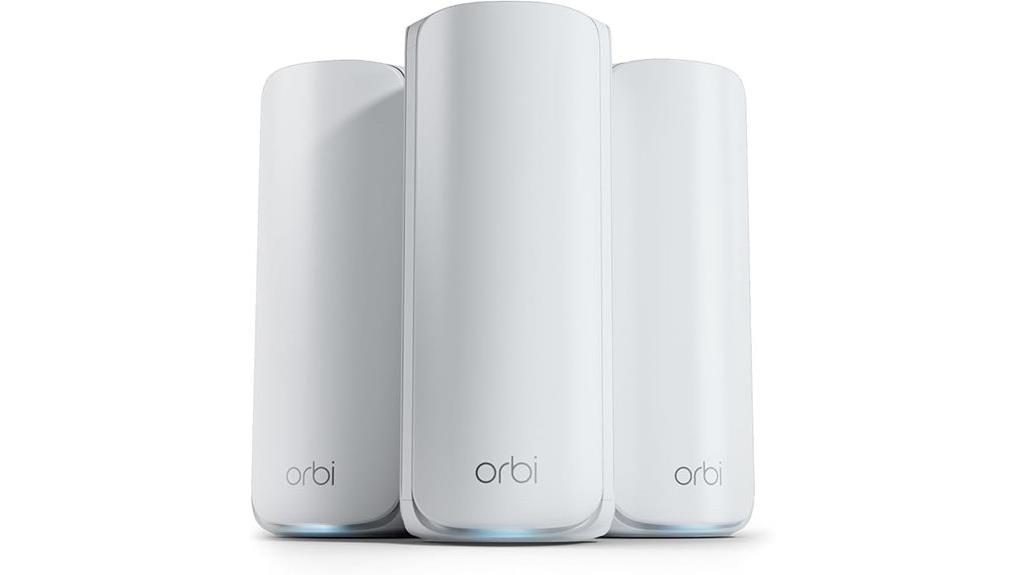
The NETGEAR Orbi 770 Series Tri-Band WiFi 7 Mesh Network System stands out as an ideal choice for households that demand ultra-fast, reliable WiFi coverage across large or complex spaces. With speeds up to 11Gbps, it ensures seamless performance from your front door to the backyard. Its tri-band technology with Enhanced Backhaul maintains fast connectivity for multiple devices simultaneously. The system features multiple Ethernet ports, supporting high-speed wired connections and internet plans up to 2.5Gbps. Setup is quick via the Orbi app, and security features safeguard your family online. Covering up to 8,000 sq. ft., it’s a powerful, versatile mesh system for modern homes.
Best For: households seeking ultra-fast, reliable WiFi coverage across large or complex spaces with multiple devices and high-performance wired connections.
Pros:
- Delivers up to 11Gbps speeds for seamless streaming, gaming, and browsing
- Tri-band technology with Enhanced Backhaul ensures consistent connectivity across all devices
- Supports internet plans up to 2.5Gbps with multiple high-speed Ethernet ports
Cons:
- May be more expensive than basic WiFi systems for budget-conscious users
- The setup process, while simplified, might still be complex for non-technical users
- Large coverage area might be overkill for small apartments or homes with minimal device needs
NETGEAR Nighthawk Tri-Band Mesh WiFi 6 System (MK73S)

For anyone seeking reliable, high-speed Wi-Fi coverage in a medium-sized home, the NETGEAR Nighthawk Tri-Band Mesh WiFi 6 System (MK73S) is an excellent choice. It includes a router and two satellite extenders, covering up to 4,500 sq. ft. and supporting over 25 devices. With AX3000 Gigabit speeds and WiFi 6 technology, it guarantees smooth streaming, gaming, and HD video calls. The system easily connects to existing modems and offers simple setup via the Nighthawk app. Security is robust with NETGEAR Armor, and wired connections are supported through three Ethernet ports. While some users report occasional dropouts, overall, it’s a solid, future-proof solution for medium homes.
Best For: those seeking reliable, high-speed WiFi coverage in medium-sized homes with multiple devices and enhanced security features.
Pros:
- Supports up to 4,500 sq. ft. coverage with tri-band WiFi 6 technology
- Easy setup and management via the Nighthawk app
- Includes NETGEAR Armor for automatic security and device protection
Cons:
- Some users experience WiFi dropouts and disconnections
- Parental control features may occasionally malfunction or be inconsistent
- Support and firmware updates may not fully resolve connectivity issues for all users
Amazon eero 7 Mesh Wi-Fi 7 Router (3-Pack)
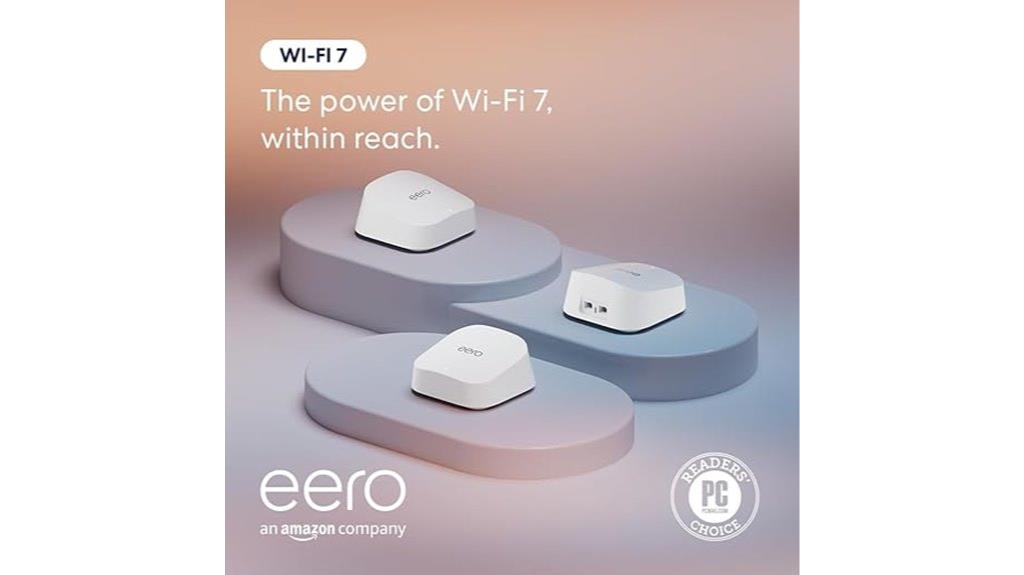
Anyone looking to cover a large home with fast, reliable Wi-Fi should consider the Amazon eero 7 Mesh Wi-Fi 7 Router (3-Pack), as it supports internet speeds up to 2.5 Gbps and covers up to 6,000 square feet per unit. This system leverages Wi-Fi 7 technology, offering multi-link operation, enhanced performance, and broader coverage. It’s compatible with previous eero models and integrates seamlessly with Amazon Alexa, Matter, Zigbee, Bluetooth LE, and Thread protocols. Setup is straightforward via the app, and the system features band steering, guest networks, smart home hub capabilities, and robust security, making it a future-proof, high-performance mesh solution.
Best For: homeowners seeking a high-capacity, future-proof mesh Wi-Fi system that covers large areas with fast and reliable internet.
Pros:
- Supports Wi-Fi 7 technology for enhanced performance and broader coverage
- Easy to set up and manage via the intuitive eero app
- Seamless integration with Amazon Alexa, Matter, Zigbee, and other smart home protocols
Cons:
- Higher price point compared to some competitors
- Occasional issues with base unit offline that may require troubleshooting
- Requires compatible devices or hubs for full smart home automation features
Google Wifi Mesh WiFi System (3 Pack)
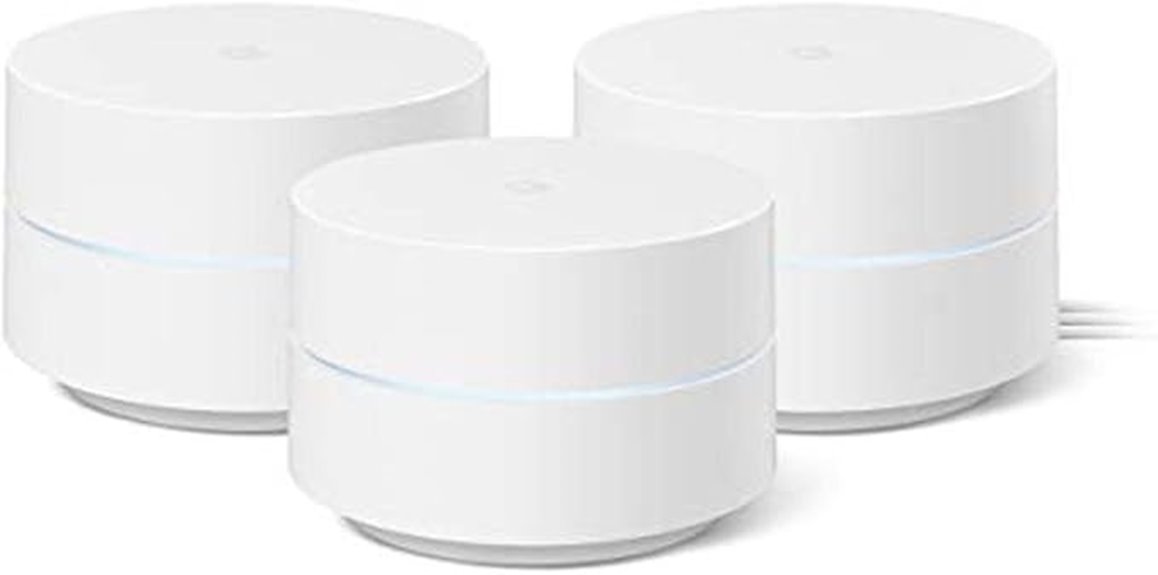
Looking for a reliable Wi-Fi solution that can cover a large, multi-story home without dead zones? The Google Wifi Mesh WiFi System (3 Pack) is a great choice, offering up to 4,500 square feet of seamless coverage. Each unit covers about 1,500 square feet and works together to create a stable mesh network, reducing buffering and dead zones. Setup is quick via the Google Home app, taking around 15 minutes. It automatically switches between 2.4 GHz and 5 GHz bands for ideal speed and stability. Customers praise its ease of use, strong coverage, and consistent performance across multiple floors and outdoor areas.
Best For: households with large, multi-story layouts seeking seamless, reliable Wi-Fi coverage without dead zones.
Pros:
- Easy setup via the Google Home app in approximately 15 minutes
- Provides extensive coverage up to 4,500 square feet with three units
- Stable mesh network that reduces buffering and maintains performance across multiple devices and outdoor areas
Cons:
- Discontinued product, which may limit availability and future support
- Signal strength can be affected by home layout, thick walls, or long, narrow spaces
- Requires a compatible smart device for managing some features and controls
Factors to Consider When Choosing Mesh Wi‑Fi Systems
Choosing the right mesh Wi-Fi system depends on several key factors. You’ll want to take into account your coverage needs, internet speed compatibility, and how many devices the system can handle. Additionally, ease of setup and strong security features are important to ensure a smooth and safe experience.
Coverage Area Needs
To guarantee your mesh Wi-Fi system provides reliable coverage, it’s essential to take into account the total square footage of your home or property. Knowing this helps you choose a system capable of covering every corner without dead zones. Also, consider how many floors your home has and the layout, such as thick walls or open spaces, which can weaken signals. If you have outdoor areas like yards or patios, look for systems with outdoor or extended range features. Planning for future expansion is wise, so select a mesh system that allows adding extra nodes as your needs grow. Keep in mind that advertised coverage in open spaces may not reflect real-world performance, especially with home materials and interference sources affecting signal strength.
Internet Speed Compatibility
Ensuring your mesh Wi-Fi system supports your internet plan’s maximum speed is crucial to prevent bottlenecks and deliver seamless performance throughout your home. If your plan offers gigabit speeds, look for a system that supports at least 1 Gbps to keep up. Check if the system uses Wi-Fi 6 or Wi-Fi 6E, which provide higher speeds and better performance for modern devices. Make sure the system’s maximum throughput matches or exceeds your internet speed to avoid slowing down connections. Additionally, consider whether it supports wired Ethernet backhaul, which can boost speed and stability in high-demand setups. Ultimately, verify that the system can handle the number of devices you plan to connect without sacrificing speed or causing congestion, ensuring smooth and reliable connectivity everywhere.
Device Capacity Limits
Support for your internet plan’s maximum speed is just one piece of the puzzle; equally important is making sure your mesh Wi-Fi system can handle the number of devices in your home or business. Most systems support over 75 devices simultaneously, but some high-capacity models can manage more than 150 without performance issues. Device capacity limits vary by manufacturer and depend on the hardware and software, ranging from 25 to over 200 connected devices. Supporting numerous devices often requires advanced features like MU-MIMO, OFDMA, or AI-driven optimization. If you exceed a system’s capacity, expect slower speeds, higher latency, and potential disconnections. Matching your mesh system’s device capacity to your needs guarantees stable, fast connectivity for everyone and everything in your space.
Setup and Management Ease
Choosing a mesh Wi-Fi system that’s easy to set up and manage can save you time and frustration. I look for systems with intuitive mobile apps or web interfaces that guide me through installation and ongoing adjustments. Automated features like self-optimizing mesh routing and automatic firmware updates reduce manual effort, making management smoother. Clear, step-by-step installation guides and visual aids within the app help me deploy the network quickly without needing professional help. The ability to add or remove units easily, along with managing devices, guest networks, and parental controls from a centralized platform, is a huge plus. Support for remote management through mobile apps allows me to monitor and adjust my network from anywhere, ensuring seamless connectivity with minimal hassle.
Security and Privacy Features
When selecting a mesh Wi-Fi system, security and privacy features should be at the top of your list. Look for systems with advanced protections like WPA3 encryption, automatic firmware updates, and intrusion detection to defend against threats. Integrated security services such as parental controls, IoT device protection, and threat monitoring help safeguard your household and maintain privacy. It’s important to verify that the system receives regular security updates and patches to stay ahead of vulnerabilities. Additionally, check if the system supports private network segmentation or guest Wi-Fi networks with customizable access controls, ensuring your main network remains secure. Finally, consider systems that adhere to cybersecurity standards or initiatives, like the U.S. Cybersecurity and Infrastructure Security Agency’s Secure-by-Design pledge, for extra peace of mind.
Budget and Value
Budget and value are key considerations because the price of mesh Wi-Fi systems can range from around $100 to over $500, depending on features and performance. Cheaper models might be enough for small homes or light internet use but often lack advanced security or wired backhaul options. Higher-priced systems typically offer faster speeds, broader coverage, and support for more devices, making them a smarter investment for larger or demanding households. When evaluating value, look at coverage area, speed capabilities, and features in relation to the price. Investing in a quality system upfront can save money in the long run by reducing the need for upgrades or additional extenders. Ultimately, balancing cost with performance guarantees you get a system that meets your needs without overspending.
Frequently Asked Questions
How Do Mesh Wi-Fi Systems Handle Device Prioritization?
Mesh Wi-Fi systems handle device prioritization by allowing me to assign priority levels to specific devices through their app or settings. When multiple devices are active, the system automatically allocates more bandwidth to the prioritized device to guarantee it gets maximum performance. I can easily adjust these settings anytime, which helps me keep important devices, like work laptops or streaming gadgets, running smoothly without interruption.
Can Mesh Systems Be Integrated With Existing Routers?
You can definitely integrate mesh systems with your existing routers. I see it as killing two birds with one stone—boosting coverage without discarding what’s already working. Most mesh systems are designed to work alongside your current setup, acting as an extension rather than a replacement. Just guarantee compatibility, and you’ll have a seamless network that covers every nook and cranny of your home.
What Security Features Are Standard in Modern Mesh Wi-Fi Systems?
Modern mesh Wi-Fi systems come with robust security features like WPA3 encryption, automatically updating firmware, and built-in firewalls. I always look for systems that include guest networks to keep my main devices protected and parental controls for added safety. Many also offer real-time threat detection and support for VPNs. These features give me peace of mind, knowing my network stays secure while providing seamless connectivity across my home.
How Do Mesh Systems Perform in Large or Multi-Story Homes?
In large or multi-story homes, mesh systems are like magic carpets, effortlessly sweeping strong Wi-Fi signals from floor to floor. I’ve experienced how they eliminate dead zones and buffering nightmares, making every corner feel connected and fast. With multiple nodes working together, your internet stays seamless, no matter how sprawling your space is. It’s honestly like having a personal Wi-Fi assistant that never lets you down, even in the biggest homes.
Are Firmware Updates Automatic or Manual in These Systems?
Most mesh Wi-Fi systems I’ve used automatically update their firmware to keep everything running smoothly and securely. I appreciate that these updates happen in the background without me having to do anything, ensuring my network stays up-to-date with the latest features and security patches. However, some systems do offer manual update options if I want to check or install updates myself, giving me flexibility and control over my network’s maintenance.
Conclusion
No matter which mesh Wi-Fi system you choose, I believe you’ll enjoy smoother, more reliable internet. I get it—upgrading tech can feel overwhelming or expensive. But trust me, the right system makes a huge difference in your daily life, and it’s worth the investment. Don’t let hesitation hold you back from seamless connectivity; you deserve a strong, stable internet experience that keeps you connected to what matters most.