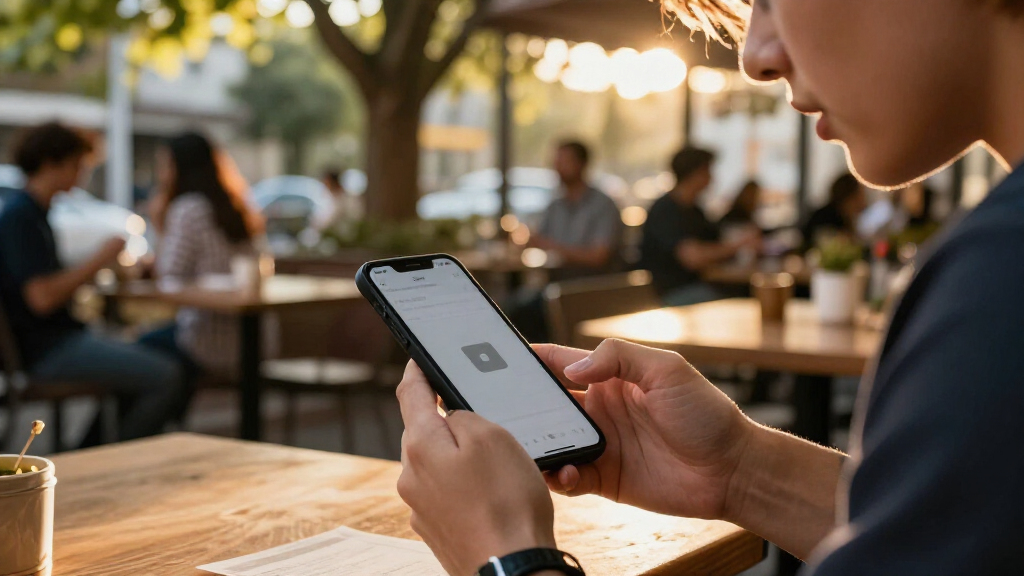

🔍 Read the full analysis: How Signal’s Screenshot Block Aims To Keep AI Agents Out Of Chats on ThorstenMeyerAI.com

Get movie nights delivered free with Prime
- Fast, free delivery on millions of items
- Prime Video, Amazon Music and more included
- Member-only deals all year
TL;DR
Signal has introduced default screenshot and screen-reading protections on supported iPhones and Android devices, aiming to limit access by built-in AI assistants. The company says the controls have gaps, including Mac computers, some Android devices, notifications and files, and the devices of chat contacts.
Signal has added controls that block screenshots by default on supported iPhones and activate screen security on Android when an AI assistant tries to read the app. Announced November 20, the changes aim to stop built-in assistants from capturing Signal chats after they appear on a phone screen, a gap that end-to-end encryption does not address.
On iPhone, Signal version 8.37 or later running on iOS 27 or later has a new “Block Siri AI” setting, which is on by default, according to Signal’s support page. When enabled, it blocks screenshots and screen recordings in Signal, hides the app’s content in the App Switcher and prevents on-device AI assistants from reading what is displayed. Users who attempt a screenshot see a notice and can leave the protection on, turn it off or disable it for 10 minutes.
On Android, Signal version 8.35.1 or later uses the existing “Screen security” setting. Signal says it turns on automatically the first time an AI assistant tries to read the app’s screen, with a prompt explaining the change. Users can also enable it themselves under Settings → Privacy → App security → Screen security. If they disable it from the prompt, Signal says it will turn it back on after 90 days; disabling it in settings does not trigger that reminder. On iPhone, the setting is under Settings → Privacy → Block Siri AI.
Signal says the controls affect screen capture and on-device scanning, not message encryption or who is otherwise able to see a conversation. The company also says users who switch the protection off may expose their own chats, as well as messages sent by contacts, to AI assistants. The announcement does not mean that every assistant has accessed every Signal conversation; the protection is aimed at limiting a possible route of access.
A Screen-Level Gap in Encryption
End-to-end encryption protects messages as they travel between participants’ devices. It cannot, by itself, prevent software with permission to inspect a screen from reading a message after it has been decrypted and displayed. Signal’s change addresses that screen-level exposure, rather than altering how its encryption works.
The issue extends beyond private messaging. AI assistants that use screen content to answer questions or take actions may encounter information users did not intend to share with them. Signal says captured material can leave the app’s control and may be stored in a local database or on a remote server used by the assistant. That is Signal’s explanation of the risk, not evidence that every screen-reading feature stores Signal messages in the same way.
For people and organizations deploying AI agents, the announcement is a practical warning that app developers may block screen access where they see privacy or security risks. It also highlights a possible trade-off for users who depend on assistants or accessibility features: the same screen-reading capabilities that help some people interact with a device can be restricted by app-level protections.
Popular right now

Vitamix 5200 Blender with 64 oz. Container, Black

Sony 65 Inch BRAVIA 5 Mini LED 4K HDR Smart Google TV (K-65XR50)

Ninja CREAMi Scoop & Swirl 13-in-1 Ice Cream and Soft Serve Maker, NC701
As an affiliate, we earn on qualifying purchases.
Earlier Screen-Capture Disputes
This is not Signal’s first response to software that records what appears on screen. In May 2025, it enabled Screen security by default in Signal Desktop on Windows 11 to guard against Microsoft Recall. Signal’s account says Recall captures the screen at intervals, extracts text from screenshots and stores it in a searchable on-device database.
The latest measures target mobile assistants. Apple released Siri AI on September 14, 2026, describing it as having “onscreen awareness” to answer questions or take actions related to screen content. Google announced Gemini Intelligence for Android on May 12, 2026, saying app automation can use screen or image context.
Other companies have also pushed back against agent access. The source report says United Airlines announced restrictions on third-party AI agents booking flights nine days before Signal’s announcement. Reuters separately reported that Meta’s Muse agent read Signal messages through permissions granted during setup. Those reports point to broader concerns about agents acting on users’ behalf, but they do not establish that Signal’s new controls address every kind of agent access.
Gaps in Device and App Coverage
Signal says the controls do not cover Mac computers, where it cannot reliably block screenshots, or Android devices where it cannot detect the assistant. They also do not protect notifications or files, and cannot prevent capture on the other person’s device. The supplied information does not detail every operating-system or assistant combination supported, or how each assistant handles screen data after it is captured.
It remains unclear how consistently the Android trigger will identify different assistants, how the protections interact with accessibility tools, and whether Apple, Google or Microsoft will offer a system-level way for apps to refuse AI access. Signal says it is asking those companies for a simple, documented opt-out. The company calls its solution incomplete; its announcement does not quantify how often assistants have attempted to read Signal screens.
Settings, Updates and Platform Responses
Users with supported devices can check their Signal version and the relevant privacy setting, then decide whether to leave the protection on. Signal says iPhone users can temporarily disable Block Siri AI for 10 minutes; Android users can manage Screen security in the app’s privacy settings. Turning either protection off can make visible chat content available to screen-reading software, according to Signal.
The next broader development will depend on whether operating-system makers provide app developers with a documented way to opt out of AI screen access. Signal has called on Apple, Google and Microsoft to provide that option, but no response or timetable from those companies is included in the source material. Until then, Signal’s controls remain device- and platform-specific, with the listed gaps still in place.
Key Questions
What has Signal changed?
Signal added a default-on Block Siri AI setting for supported iPhones and automatic Screen security activation on supported Android phones when an AI assistant tries to read Signal’s screen. The controls block certain screenshots and screen-reading activity within the app.
Does this change Signal’s end-to-end encryption?
No. Signal says the setting does not change how messages are encrypted. It is intended to limit screen capture and on-device scanning after messages appear on a device.
Can users turn the protections off?
Yes. On iPhone, users can go to Settings → Privacy → Block Siri AI and choose to turn it off or disable it for 10 minutes. On Android, the setting is under Settings → Privacy → App security → Screen security. Signal warns that turning it off may expose displayed chats to AI assistants.
Does Signal’s protection cover every device and type of capture?
No. Signal says it cannot reliably block screenshots on macOS, and its Android protection may not cover devices where it cannot detect an assistant. The controls also do not cover notifications, files or the device used by the other person in a conversation.
Has Signal said that AI assistants have read all users’ chats?
No. Signal describes a risk from assistants that can read screen content and has introduced protections against that route. The announcement does not establish that every assistant has accessed every user’s conversations.
Source: ThorstenMeyerAI.com