TL;DR

Get movie nights delivered free with Prime
- Fast, free delivery on millions of items
- Prime Video, Amazon Music and more included
- Member-only deals all year
Transform one video into a full set of publishing assets—like social posts, media kits, and clips—using local AI tools. No cloud needed, so your content stays private, and your workflow gets quicker. It’s a game-changer for creators wanting control and speed.
You spend hours filming, editing, and polishing your video. But then comes the real grind: creating titles, descriptions, social clips, media kits, and marketing materials. It’s tedious—unless you have a smarter way. Imagine pressing a button and getting a full suite of assets, ready to publish, all without ever uploading your raw footage to the cloud.
This article reveals how a single video can become a full publishing package—using local tools that keep your content private, cut your workload, and speed up your launch. Whether you’re an author, course creator, or marketer, this approach transforms how you prepare for release.
Key Takeaways
- A local-first workflow can generate over 15 different assets from a single video, streamlining your entire publishing process.
- Processing locally keeps your content private, reduces turnaround times, and removes dependency on internet connectivity.
- You can review, edit, and regenerate assets in real-time, maintaining full control over your brand and messaging.
- A comprehensive publishing kit includes social clips, media sheets, transcripts, thumbnails, and promotional copy—ready to deploy.
- While device requirements increase, the tradeoff is faster, more private, and more flexible content production.
Popular right now

Bose QuietComfort Headphones (2nd Gen), Wireless Over-Ear Noise-Cancelling Headphones, Black

Bose QuietComfort True Wireless Earbuds with Active Noise Cancellation, Black

Dyson Ball Animal 3 Upright Vacuum – Corded, 290 AW, De‑tangling Motorbar Cleaner Head, 3 Suction Modes
As an affiliate, we earn on qualifying purchases.
How One Video Turns Into a Complete Publishing Package
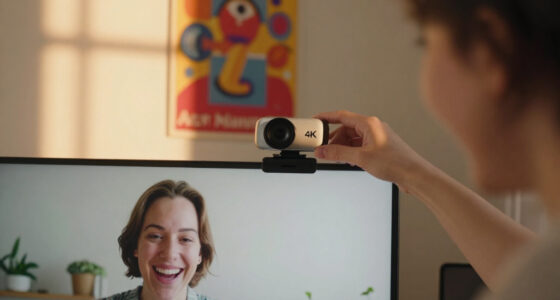
The magic starts with an intelligent system that reads your video on four levels: audio, visuals, fusion, and meaning. It doesn’t just transcribe; it understands. For example, it detects scene changes, reads on-screen text, and aligns everything with spoken words. This layered understanding produces a set of assets that are truly tailored to each platform, similar to how professional video conferencing kits enhance meeting quality.
Think of it like having a team of editors and marketers working behind the scenes, ready to craft titles, descriptions, clips, and media kits. All on your local machine, with no need for cloud uploads or external servers. This deep analysis means your assets are not just automated outputs but are contextually relevant, reducing the need for manual editing and ensuring consistency across platforms. The tradeoff, however, is that more complex videos may require longer processing times or more powerful hardware, which is an important consideration for scalability and workflow planning.
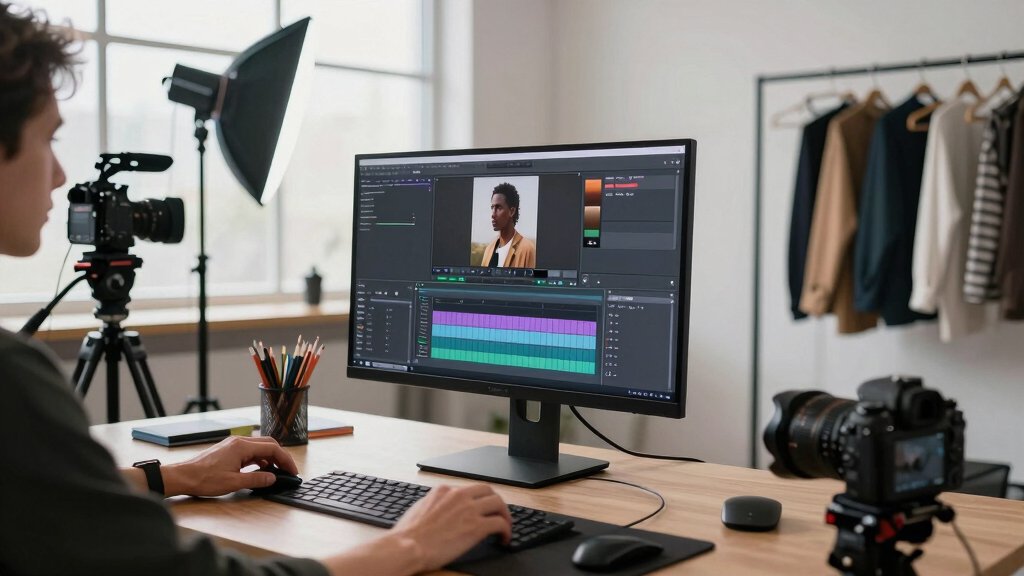
Why ‘Without the Cloud’ Means More Privacy, Speed, and Control
Processing your video locally means your footage stays on your device, ensuring privacy and security similar to premium fragrance brands that prioritize quality and confidentiality. No uploading, no data breaches, no waiting for cloud servers to respond. This not only enhances privacy but also fundamentally changes the control you have over your content. When your assets are generated on your machine, you eliminate the risk of data leaks or unauthorized access that can happen with cloud storage, especially for sensitive or proprietary material.
Speed becomes a critical advantage. Cloud workflows are often bottlenecked by upload and download speeds, which can delay your project, especially with large files or slow internet connections. Local processing sidesteps this entirely, enabling rapid turnaround—sometimes in seconds—making it ideal for tight deadlines or on-the-fly edits. Moreover, this control extends beyond privacy; it allows for immediate iteration, testing different versions, and customizing assets without waiting for external servers or subscription limits, thus empowering creators to maintain their brand identity and adapt quickly to feedback or market changes.

What’s Actually in a Publishing Kit? Media, Marketing, and More
A publishing kit isn’t just the video or a few clips; it’s a comprehensive bundle that can include assets like smart lighting kits for your studio or workspace to enhance your content environment. It’s a comprehensive bundle that equips you to launch and promote your content effectively across multiple platforms. This includes high-resolution media assets like photos and banners that reinforce branding, detailed transcripts that improve accessibility and SEO, and social media snippets designed to maximize engagement. These assets are interconnected: a well-crafted media kit can serve as the foundation for your outreach, ensuring consistency in messaging and visuals.
For instance, a course creator might generate a professional PDF media sheet with bios and key info, branded thumbnails for YouTube and social media, and short clips optimized for TikTok or Instagram Reels—all from a single source video. This integrated approach means you don’t have to create each asset manually or juggle multiple tools, which can lead to inconsistency or oversight. The comprehensive package amplifies your marketing reach and lends a more polished, professional appearance, ultimately boosting your credibility and engagement. The deeper implication is that such a kit accelerates your ability to respond to market opportunities, reduces manual effort, and enhances your overall content strategy.
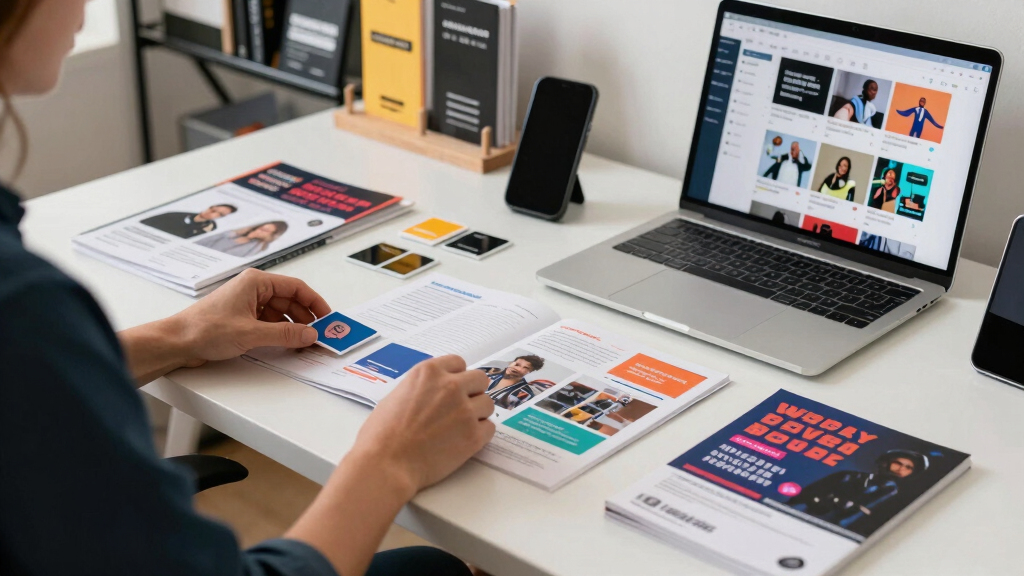
Streamlining Your Workflow: From Recording to Publishing in Minutes
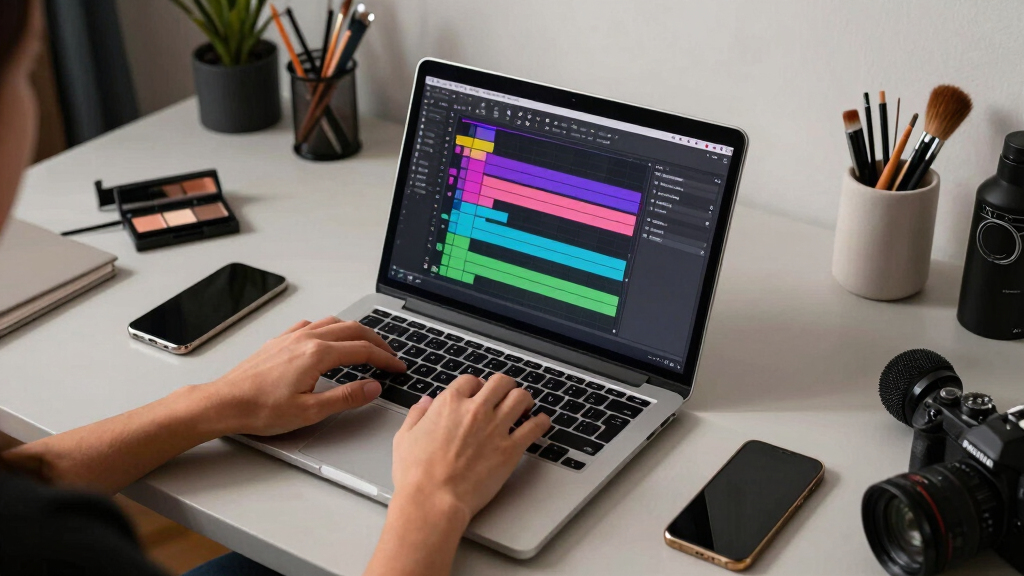
Here’s how it works in practice: You can even integrate your setup with smart office lighting solutions for optimal video quality.
- Drop or link: Add your video file or paste a YouTube URL. The system detects the channel for branding consistency.
- Understand: Background workers analyze audio, visuals, and extract key topics, hooks, and moments. This step is crucial because it allows the system to generate relevant, engaging assets that resonate with your target audience. The accuracy and depth of this analysis directly impact the quality of your outputs, making it essential for high-stakes or complex content.
- Review: In the Studio, you see drafts of titles, clips, and social posts. You can edit, regenerate, or approve assets in real-time. This iterative process ensures that the final assets align with your vision, brand voice, and strategic goals. It also provides an opportunity to correct any misinterpretations or refine messaging before publishing.
- Publish: Once assets are approved, they are dispatched to your platforms, similar to how luxury brands ensure seamless and stylish distribution of their content. This automation reduces manual posting errors and saves time, but it also means you should review the generated content to ensure it meets your standards and compliance requirements, especially for sensitive or regulated content.
For example, a coach might finish a 20-minute webinar and have ready-to-post social clips, a media sheet, and a newsletter draft—all in less than an hour. This rapid turnaround empowers creators to capitalize on timely trends or respond swiftly to audience feedback, providing a competitive edge.
Comparing Manual, Cloud, and local-first AI workflows helps you choose the best approach for your needs.
| Aspect | Manual Workflow | Cloud-Based AI | Local-First AI |
|---|---|---|---|
| Speed | Slow; multiple uploads/downloads | Fast, but dependent on internet | Instant; no internet needed |
| Privacy | Depends on upload security | Potential risk if cloud gets breached | Maximum; stays on your device |
| Control | High, but manual | Limited; vendor controls AI | Complete; you manage the process |
| Cost | Labor-intensive, time-consuming | Subscription fees | Initial setup, but no ongoing cloud costs |
What You Can Expect From a Fully Automated, Local-Driven Publishing Kit
From one video, you’ll get:
- Multiple social clips tailored for TikTok, Instagram, and Shorts
- High-quality thumbnails and banners
- Detailed transcripts for captions or blogs
- A media kit with bios, headshots, and key info
- Engaging headlines and descriptions scored for maximum impact
All processed on your machine, ready for quick edits and immediate publishing. The system does the heavy lifting, so you focus on what matters—your message. This integration reduces the fragmentation often seen when using multiple tools, streamlining your entire content creation and distribution pipeline into a cohesive, efficient process. The tradeoff is that you may need to invest in hardware capable of handling intensive processing, but the payoff is faster turnaround times and tighter control over your assets.

Can You Still Customize? Yes, and It’s Easy
Automation doesn’t mean “set and forget.” You review drafts, tweak titles, swap out images, and regenerate assets as needed. The interface allows inline edits and regenerations—giving you control without starting from scratch. This flexibility is vital because it recognizes that no automated system can perfectly capture your brand’s nuances or adapt to every context immediately. Being able to refine outputs ensures your final assets align with your strategic goals and aesthetic preferences, ultimately leading to better engagement and a more authentic connection with your audience.
For example, if a thumbnail’s color scheme doesn’t match your branding, you can easily adjust it and regenerate the asset in seconds, ensuring consistency and professionalism across all your content.

Limitations and What to Watch Out For
Local processing needs a capable device—preferably a modern, fast computer with ample storage. Complex videos with many scenes or lengthy footage may take longer to analyze because the depth of understanding and processing required increases with complexity. This can impact your turnaround time, especially if your hardware isn’t optimized for intensive tasks.
Additionally, collaboration can be trickier without cloud sharing. You might need to manually sync files or set up shared drives, which can introduce version control issues or delays in team workflows. This means that while privacy and speed are enhanced, collaboration and scalability require more planning and setup.
Despite these considerations, the benefits—particularly in privacy, speed, and control—often outweigh the downsides for serious creators who prioritize security and efficiency. Awareness of these limitations allows you to prepare appropriate hardware and workflows, ensuring smoother operation and better results.
Frequently Asked Questions
What exactly does a ‘whole publishing kit’ include?
A comprehensive publishing kit includes social media clips, thumbnails, transcripts, media sheets, headlines, descriptions, and sometimes even promotional images—all generated from your source video. It’s designed to prepare your content for multiple platforms seamlessly.
Does ‘without the cloud’ mean my video never leaves my device?
Exactly. All processing happens locally, so your footage stays on your device. No uploads to third-party servers are needed, which boosts privacy and speeds up your workflow.
Is the process fully automatic or do I need to do edits?
It’s a mix. The system automates most assets, but you can review, tweak, and regenerate as needed. It’s designed to give you control without forcing you to start from scratch.
What file types and assets are produced?
You’ll get transcripts (TXT, SRT), video clips (MP4), images (JPEG, PNG), PDFs for media kits, and text snippets for social posts or descriptions—all from one interface.
Who is this best suited for?
Authors, course creators, marketers, and content producers who want full control, privacy, and fast turnaround from their videos. It’s perfect for those who don’t want to rely on cloud services.
Conclusion
If you want to cut through the clutter and launch faster, a local-first, AI-powered publishing kit is your new best friend. It’s like having a mini media agency on your desktop—minus the cloud dependencies and waiting times.
Think of it as reclaiming control over your content, one video at a time. The future of publishing is here: fast, private, and built around you.